
Session Tracking
Introduction
Session tracking is a mechanism used in web applications to maintain user-specific information across multiple HTTP requests. Since the HTTP protocol is stateless, each request is treated independently. Session tracking enables the server to identify requests belonging to the same user and maintain continuity of interaction.
In servlet-based applications, session tracking is essential for features such as user authentication, shopping carts, personalization, and transaction management.
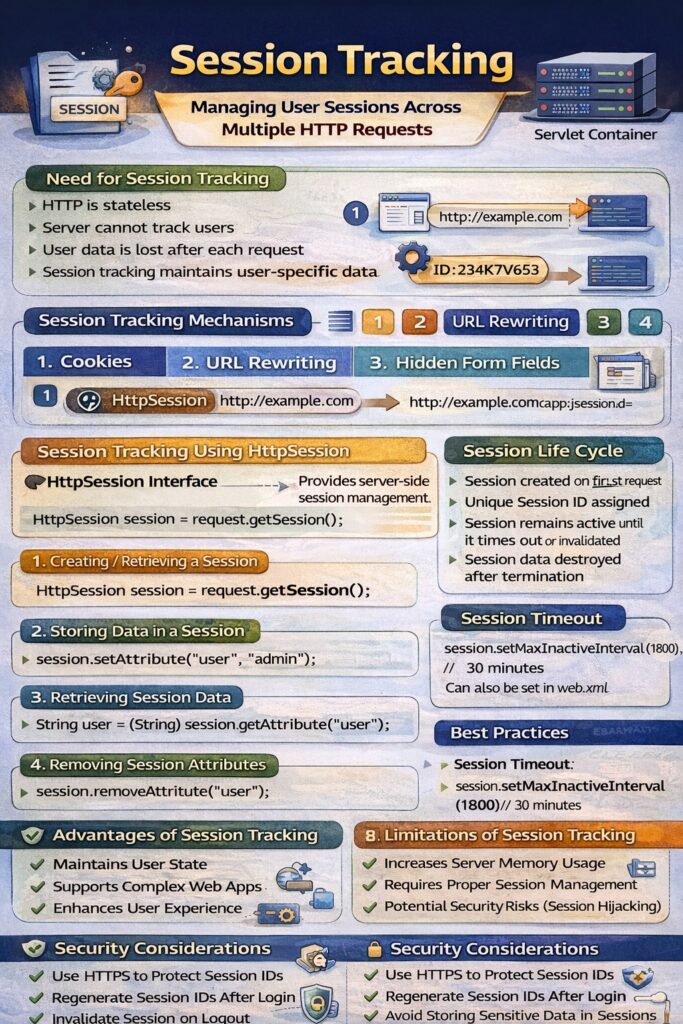
Need for Session Tracking
Without session tracking:
- The server cannot distinguish between different users.
- User-specific data cannot be preserved across requests.
- Applications such as online shopping and secure logins become impractical.
Session tracking solves these problems by associating each user with a unique session identifier.
Session Tracking Mechanisms
Servlets support multiple session tracking techniques:
- Cookies
- URL Rewriting
- Hidden Form Fields
- HttpSession (Server-side sessions)
1. Session Tracking Using Cookies
- A session ID is stored in a cookie on the client.
- The browser sends the cookie with each request.
- The server uses this ID to identify the session.
This method is efficient but depends on browser support for cookies.
2. Session Tracking Using URL Rewriting
- Session ID is appended to the URL.
- Example:
http://example.com/app;jsessionid=ABC123
This method is useful when cookies are disabled but exposes the session ID in the URL.
3. Session Tracking Using Hidden Form Fields
- Session information is stored in hidden fields within HTML forms.
- Data is sent back to the server when the form is submitted.
This method works only for form-based navigation and is less flexible.
4. Session Tracking Using HttpSession
HttpSession Interface
The HttpSession interface provides a server-side session management mechanism. It is the most commonly used and secure method for session tracking.
Creating or Retrieving a Session
HttpSession session = request.getSession();
- Creates a new session if one does not exist.
- Returns the existing session otherwise.
Storing Data in a Session
session.setAttribute("user", "admin");
Retrieving Session Data
String user = (String) session.getAttribute("user");
Removing Session Attributes
session.removeAttribute("user");
Invalidating a Session
session.invalidate();
Ends the session and removes all stored data.
Session Life Cycle
- Session is created when the first request is received.
- A unique session ID is assigned.
- Session remains active until:
- It times out, or
- It is explicitly invalidated.
- After termination, session data is destroyed.
Session Timeout
Session timeout defines the maximum inactive interval.
session.setMaxInactiveInterval(1800); // 30 minutes
It can also be configured in web.xml.
Advantages of Session Tracking
- Maintains user state
- Supports complex web applications
- Enhances user experience
- Secure when using server-side sessions
Limitations of Session Tracking
- Increases server memory usage
- Requires proper session management
- Potential security risks if session IDs are exposed
Security Considerations
- Use HTTPS to protect session IDs
- Regenerate session IDs after login
- Invalidate session on logout
- Avoid storing sensitive data directly in sessions
Conclusion
Session tracking is a fundamental concept in servlet-based web applications that enables the maintenance of user state across multiple requests. By using techniques such as cookies, URL rewriting, hidden fields, and especially the HttpSession interface, servlets can efficiently manage user interactions. Proper session management and security practices are crucial for building reliable and scalable web applications.